24 Dec 2025
Updated on February 11th, 2026
How to Build a News App?

Matthew Connor




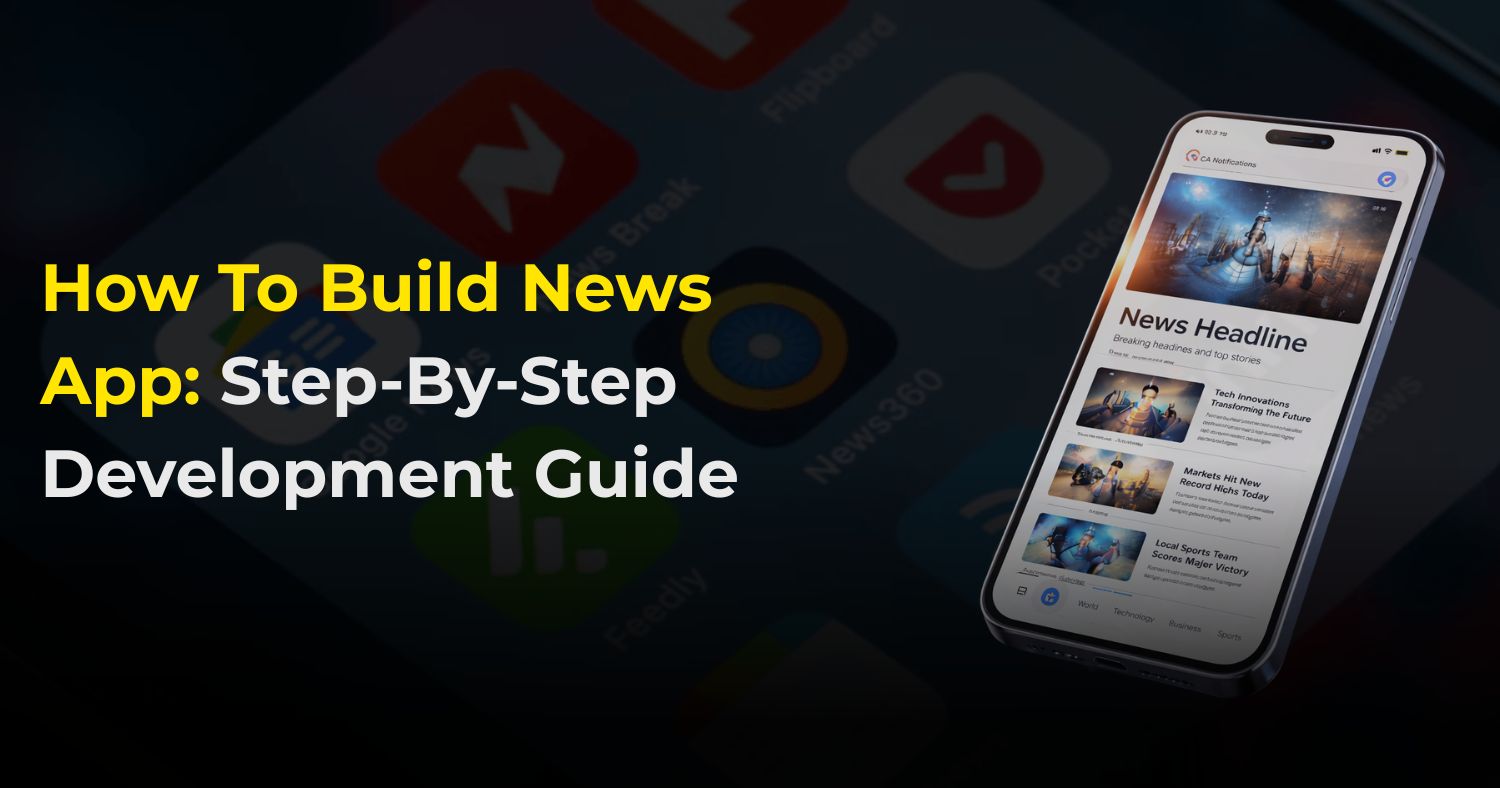
The way we get our news has flipped completely in the last few years. It wasn’t that long ago that a well-designed website was enough to keep an audience happy, but that’s just not the case anymore. They desire a seamless news app experience that delivers updates the moment they pick up their phone—content that is perfectly formatted for their screen and can be sent to a friend with a single tap.
Interestingly, an extreme trend is also sweeping out of social media news. Individuals are fed up with the clamor and the fake news on their social feeds. They are seeking a resurgence of credible, committed sources with which they can trust. One of the means to establish that personal connection is through a news app. It is not simply a mobile version of a site anymore; it is a personal, quick, and concentrated area where your readers can be updated without the clutter of a newsfeed.
Why Build a News App Right Now?
The way we get our information has completely flipped in the last few years. Think about it—when was the last time you waited for a physical newspaper or sat through a scheduled TV news broadcast? Probably not recently. Today, our phones are essentially the “front page” of the world.
- People are already there: Most of us check our phones dozens of times a day. By having an app, you aren’t hoping people find you; you are already in their pocket.
- A direct line to your audience: Unlike a website, where you have to wait for someone to visit, an app lets you send push notifications. This means you can “tap them on the shoulder” the second something important happens.
- Real ways to make money: Apps aren’t just for sharing info; they’re businesses. You can run clean, non-intrusive ads, offer “member-only” articles for a small monthly fee, or partner with brands for sponsored stories.
Which Type of News App Fits Your Idea?
Before you write a single line of code, you need to pick your lane. Not all news apps work the same way.
- The Aggregators (The “All-in-One”): These apps, like Google News, don’t write their own stories. Instead, they use smart tech to pull the best articles from all over the web into one feed. It’s perfect if you want to be a “one-stop shop” for information.
- The Big Names (The “Publisher”): This is for specific newspapers or magazines. If you already have a team of writers, this app is your digital home where people go specifically for your voice.
- The Niche Blogs (The “Specialist”): Sometimes, less is more. An app dedicated purely to tech, vegan cooking, or local high school sports can build a much more loyal following than a general news app.
- The Local Hub (The “Neighbor”): This focuses on what’s happening right outside your door. From local traffic to neighborhood events, these apps succeed because they provide info that big global news sites ignore.
Features Your Users Will Actually Love
To keep people from deleting your app, you need to focus on the experience, not just the content.
- A Clean Look (UI): Nobody wants to read news on a screen that looks like a messy desk. Use plenty of white space and fonts that don’t strain the eyes. If the app feels “heavy” or cluttered, users will find a simpler one.
- Smart Search: Let’s say a user only cares about “Bitcoin” or “Local Elections.” They should be able to type that in and see every relevant story instantly.
- The Power of Notifications: This is your secret weapon. But be careful—if you send 20 alerts a day, people will turn them off. Only send notifications for the stuff that truly matters.
- Reading Without Wi-Fi: We’ve all been in a subway or on a plane where the internet dies. An “Offline Mode” that saves stories automatically is a huge win for user loyalty.
- A Feed That Knows You: Use simple logic to see what a user likes. If someone always reads about “Space,” your app should make sure the next big NASA story is right at the top of their feed.
Steps for Building a News App
Step 1: Define Your News App Idea
Before starting development, clearly define your app’s purpose, goals, and target audience. A well-documented idea ensures developers understand your vision, avoids mistakes, and guides the feature set.
Questions to consider:
- Will the app cover all types of news or focus on a niche like technology, sports, or entertainment?
- Is the target audience local, national, or global?
- Will the app publish original content or aggregate news from multiple sources?
- How often will content be updated—hourly, daily, or weekly?
- Will the app include multimedia like videos, podcasts, or infographics?
A detailed plan helps your news app development remain focused and practical while catering to user expectations.
Step 2: Conduct Market Research
Market research helps identify user expectations, competitor offerings, and gaps in the market. A strong research phase improves the chances of success and ensures the app delivers value.
Research steps include:
- Analyzing popular news apps to identify strengths and weaknesses
- Reading user reviews to understand pain points
- Identifying missing features that users want
- Understanding what keeps readers engaged
Tip: A professional news app development company always begins with thorough market research before starting the development process.
Step 3: Choose the Right Platform
The platform determines how your app reaches the audience, impacts development costs, and affects app performance.
Platform options:
- Android: Largest user base with diverse devices and screen sizes, making it ideal for apps targeting mass audiences. If you hire an Android news app development company, your app can be optimized for performance, compatibility, and user experience across all Android devices.
- iOS: Premium audience, higher security, and smooth user experience. Known for consistent performance across devices and strong monetization potential through the App Store.
- Both Platforms: Using cross-platform frameworks like React Native or Flutter allows simultaneous development for Android and iOS, saving time and cost while maintaining near-native performance and design consistency.
Pro Tip: Consider your target audience, budget, and desired reach when selecting the platform. Hiring a news app development company in the USA can help you focus on Android first while still providing scalable solutions for iOS later.
Step 4: Decide Key Features of the News App
Features define how users interact with your app. The right combination ensures usability, engagement, and retention.
Must-Have User Features:
- Easy login and signup (email, social media, or phone number)
- Categorized news sections for easy browsing
- Search functionality for quick content access
- Save news for offline reading
- Push notifications for breaking news
- Social media sharing to increase reach
- Commenting and feedback options
Admin Panel Features:
- Add, edit, and manage news content
- Manage categories and tags.
- User management and moderation
- Advertisement control and monetization
- Analytics and reporting for insights
Additional Advanced Features:
- Personalized news feeds using AI algorithms
- Multimedia support (videos, podcasts, infographics)
- Trending topics and hot news sections
- Multi-language support for global audiences
- Dark mode for visual comfort
Step 5: Design a Simple and Clean App
Design impacts engagement, usability, and retention. A clean, intuitive layout ensures users can navigate and read content effortlessly.
Design Tips:
- Use a clean layout with sufficient white space.
- Clear navigation with easy-to-find menus and categories.
- Readable font sizes and styles for long reading sessions.
- Dark mode option for comfortable nighttime reading.
- Visually highlight trending and breaking news.
Pro Tip: A well-designed news app reduces bounce rates and encourages users to spend more time engaging with your content.
Step 6: News App Development
This stage involves coding the app, integrating features, and creating the backend infrastructure. Proper development ensures the app is reliable, fast, and secure.
Development Tasks:
- Front-end development (UI/UX implementation)
- Back-end setup (server, APIs, and database connections)
- Content management system integration
- Push notification setup
- Multimedia support (images, videos, infographics)
Step 7: Add Content and News Sources
Content is the heart of a news app. Regular, accurate, and relevant updates keep users engaged.
Content Sources:
- Original articles from in-house writers.
- News agency feeds for trusted updates.
- RSS feeds for automated content.
- Third-party APIs for real-time news aggregation.
Pro Tip: Always verify content accuracy and maintain editorial standards to build credibility and trust.
Step 8: Testing the App
Testing ensures the app works smoothly and reliably before launch. A well-tested app reduces bugs, enhances user experience, and improves ratings.
Testing Types:
- Feature Testing: Ensures every function works as intended, including login, search, push notifications, and multimedia playback. Helps catch bugs before users encounter them.
- Speed Testing: The testing process evaluates application performance by simulating various load conditions and testing different network environments to achieve fast loading times and uninterrupted scrolling, which creates an optimal experience for users.
- Security Testing: The system safeguards user information by stopping unauthorized access while ensuring safe procedures for user authentication and payment processing, and data handling. The system maintains user trust while meeting regulatory requirements.
- Device Compatibility Testing: The testing process verifies that the application operates perfectly on all devices that have different screen dimensions and use various operating systems to deliver a uniform experience to all users.
Pro Insight: Testing is ongoing; even post-launch updates require testing before release.
Conclusion
Building a news app is no longer just about digitizing a newspaper; it is about reclaiming the digital space from the noise of social media and providing a sanctuary for credible information. As we’ve explored, the shift in user behavior is clear: people are trading the “infinite scroll” of cluttered feeds for the curated, lightning-fast experience that only a dedicated app can provide.
Frequently Asked Questions
Related Posts
23 Sep 2025
How To Build Social Media App with Next Gen AI Power
The social media space is a crowded attention marketplace, with many platforms targeting user engagement. Building a new social app in this ecosystem ..
Matthew Connor
4 Mar 2025
Ultimate Guide to Building an AI App Step-by-Step
Artificial Intelligence (AI) is revolutionizing the world by making technology more efficient and companies more productive. From robotics that can pe..
Matthew Connor
Join the newsletter and get all the updates.
Subscribe
 +1 (443) 454-3676
 sales@whitehalltechnologies.com
 501 East Las Olas Blvd., Suite 200 and 300, Fort
Lauderdale, Florida, FL 33301
501 East Las Olas Blvd., Suite 200 and 300, Fort
Lauderdale, Florida, FL 33301


