13 Jan 2026
How to Design Stunning Music Apps for Android That Users Love?

Matthew Connor




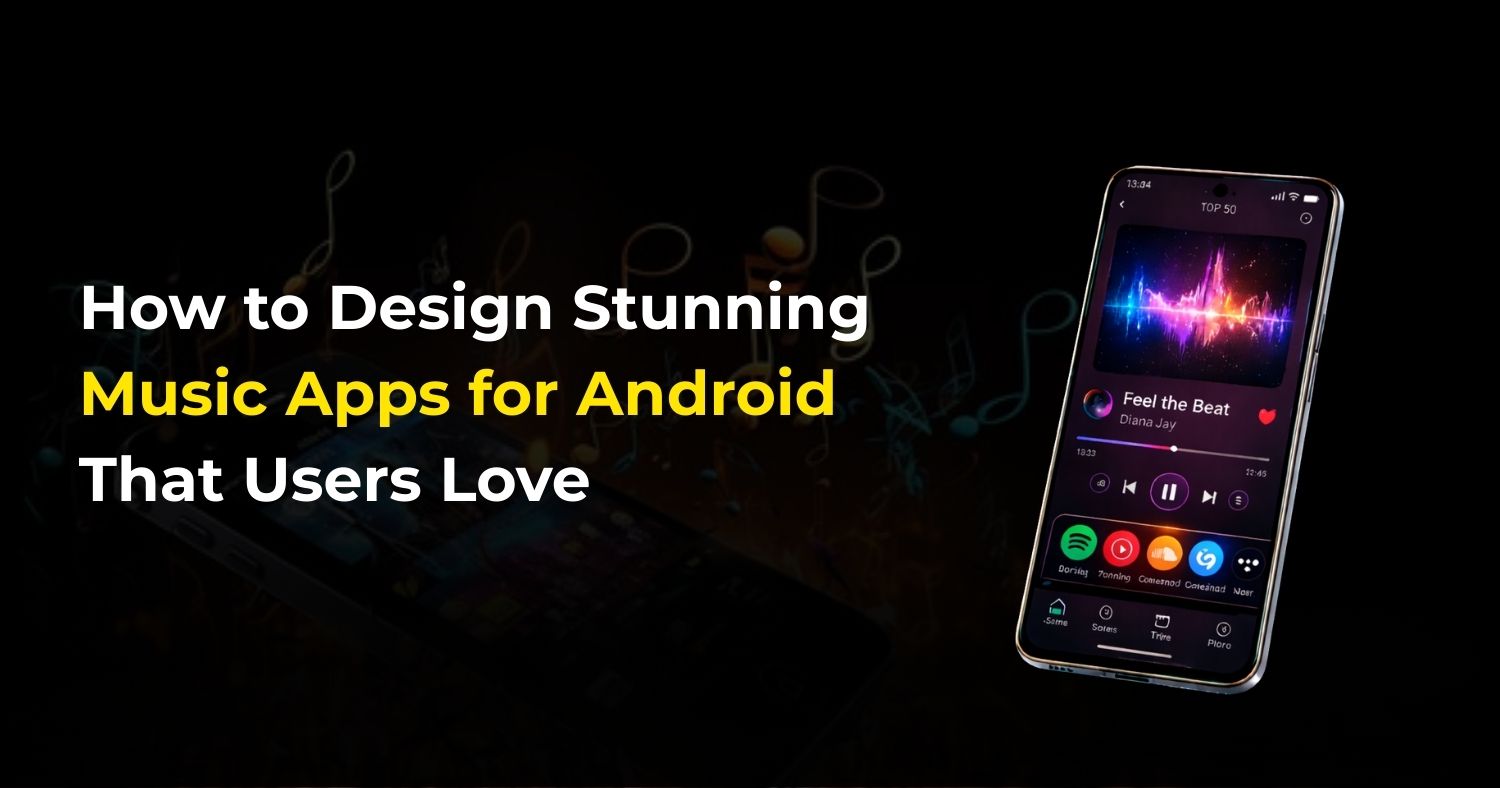
The music industry has transformed dramatically with mobile technology. Today, millions of users prefer streaming music on their smartphones rather than buying CDs or using offline players. Android apps dominate the market due to their accessibility and flexibility. Designing a music app for Android is not just about adding a media player; it’s about creating an engaging, intuitive, and enjoyable experience for users.
Whether you’re a startup or an established brand, building a music app requires attention to detail in design, features, and performance. Partnering with the best music app development company can help turn your ideas into reality with cutting-edge solutions.
Why Music Apps Are So Popular
Music is a universal language, and people love listening to their favorite songs anytime, anywhere. With Android dominating the global smartphone market, music apps for Android have become essential tools for both casual listeners and music enthusiasts.
Some reasons music apps are popular include:
- Easy access to millions of songs and playlists.
- Personalized recommendations based on user preferences.
- Offline listening capabilities for convenience.
- Integration with social media to share music experiences.
Businesses that invest in high-quality music apps for Android can grow their user base, improve engagement, and unlock multiple monetization opportunities.
Key Factors in Designing a Successful Music App
Creating a music app that users love is not just about streaming functionality. Several critical factors contribute to a successful app:
- User-friendly Interface: Users should navigate easily between playlists, albums, and songs.
- High-Quality Audio: Clear, uninterrupted sound quality is essential.
- Performance: Fast loading times and minimal buffering keep users engaged.
- Personalization: Recommendations, playlists, and notifications should match user preferences.
- Security: Protect user data, especially if the app has login and subscription features.
Partnering with the best music app development company ensures these factors are integrated seamlessly into your app.
Step-by-Step Process to Design a Music App Users Love
Step 1: Define Your App’s Purpose and Target Audience
Before starting development, clearly define the goal of your music apps for Android and identify your target users. A strong vision helps reduce errors and ensures long-term success.
Questions to consider:
- Will your app focus on streaming, downloads, or both?
- Are you targeting casual listeners, audiophiles, or independent artists?
- Will your app serve global audiences or focus on local music trends?
- Do you plan to offer podcasts, live radio, or exclusive content?
A detailed plan ensures your music app meets user expectations and stands out in a crowded market.
Step 2: Research Competitors and Market Trends
Analyzing existing apps is crucial to identifying what works and what doesn’t. Top music apps like Spotify, Apple Music, and YouTube Music set high standards.
Research steps:
- Download and explore competitor apps.
- Read user reviews to understand common complaints and suggestions.
- Identify missing features that your app could provide.
- Analyze UI/UX designs, navigation, and overall user experience.
By learning from competitors, you can create a music app that offers better performance, usability, and value.
Step 3: Choose the Right Platform and Technology Stack
Android is your target platform, but choosing the right development tools is critical. A professional music app development company can recommend the best stack.
Technology Stack for Music Apps:
- Programming Languages: Kotlin or Java for Android development.
- Backend: Node.js, Python, or PHP for server-side operations.
- Database: MySQL, MongoDB, or Firebase for storing music and user data.
- Streaming Services: Integration with cloud storage and audio streaming APIs.
- Analytics: Tools like Google Analytics for tracking user behavior.
Choosing the right stack ensures smooth performance, scalability, and faster app development.
Step 4: Focus on Intuitive and Attractive UI/UX Design
User experience is key to retention. A music app should be visually appealing, simple to navigate, and interactive.
Design Tips:
- Use minimalistic layouts for clarity.
- Highlight essential features like playlists, trending songs, and search.
- Include smooth transitions and animations to enhance interactivity.
- Optimize for one-handed navigation on Android devices.
- Include dark mode for comfort during night usage.
A great UI/UX design ensures users keep coming back to your app.
Step 5: Must-Have Features in a Music App
Every music app should include the following core features:
- User Registration/Login: Social login options for easy onboarding.
- Music Library: Browse songs by albums, artists, and genres.
- Search Functionality: Quick and efficient search for songs or podcasts.
- Playlists & Favorites: Users can create and manage playlists.
- Offline Mode: Download songs for offline listening.
- Push Notifications: Updates on new songs, albums, and promotions.
- Social Sharing: Share songs or playlists on social media.
Integrating these features ensures a functional, engaging music app.
Step 6: Advanced Features to Make Your App Stand Out
To compete with popular apps, consider adding advanced features:
- AI-Powered Recommendations: Suggest songs based on listening habits.
- Lyrics Integration: Display lyrics in real-time.
- Equalizer & Audio Effects: Allow users to adjust sound quality.
- Podcasts and Live Radio: Diversify content to engage different audiences.
- Voice Commands: Play music, create playlists, or search using voice.
- Integration with Smart Devices: Support wearable devices and smart speakers.
Advanced features increase engagement and make your app more appealing than competitors.
Step 7: App Performance and Optimization
Performance is crucial for user retention. Poorly optimized music apps for Android often face high uninstall rates.
Performance Tips:
- Optimize audio streaming to prevent buffering.
- Reduce app size for faster downloads.
- Implement caching for frequently played songs.
- Minimize background resource usage to save battery.
- Use analytics to track performance and detect bottlenecks.
A responsive and fast app increases user satisfaction and improves retention rates.
Step 8: Monetization Strategies for Music Apps
Music apps offer various monetization options to generate revenue:
- Freemium Model: Free version with ads and a premium subscription for an ad-free experience.
- Subscription Plans: Monthly or yearly subscriptions for unlimited access.
- In-App Purchases: Exclusive songs, playlists, or features for purchase.
- Advertisements: Display ads between songs or in app sections.
- Partnerships with Artists: Collaborate with musicians for exclusive content.
Choosing the right monetization strategy depends on your app’s target audience and business goals.
Step 9: Testing and Quality Assurance
Testing ensures your music app works smoothly on all Android devices. It helps fix bugs, improve performance, and deliver a better user experience before launch.
Testing Types:
- Functionality Testing: Checks core features like playlists, offline mode, music playback, search, and login to ensure everything works properly.
- Performance Testing: Ensures fast loading, smooth streaming, and minimal buffering, even on slow networks.
- Security Testing: Protects user data, accounts, and payments from threats and unauthorized access.
- Compatibility Testing: Confirms the app works well on different Android devices, screen sizes, and OS versions.
- User Testing: Collects feedback from real users to improve usability and navigation.
Regular testing reduces errors, improves app stability, and increases positive reviews.
Step 10: Launch and Marketing Your Music App
A good launch strategy helps your music app reach the right audience and gain early traction.
Marketing Activities:
- App Store Optimization (ASO): Improves app visibility on the Google Play Store.
- Social Media Promotion: Shares app updates, playlists, and features on popular platforms.
- Influencer Marketing: Builds trust by promoting the app through musicians or creators.
- Email Campaigns: Keep users informed about launches and new features.
- Referral Programs: Encourage users to invite others through rewards.
Smart marketing helps increase downloads, engagement, and long-term growth.
Conclusion
Designing high-quality music apps for Android requires careful planning, creative design, and strong technical execution. From idea validation and competitor research to advanced features and performance optimization, every step matters.
By partnering with the best music app development company, businesses can deliver a seamless, personalized, and engaging experience for music lovers. A well-designed app with AI recommendations, offline playback, smart playlists, and intuitive navigation can help attract millions of users, increase engagement, and generate revenue effectively.
Frequently Asked Questions
Related Posts

24 Feb 2026
How Much Does it Cost to Build an AI Powered Dating App in the USA
AI is changing online dating. Apps now use AI to study behavior, interests, and chats for better matches and safer experiences. Things like spotting f..
Matthew Connor

29 Jan 2026
How Custom AI Chatbot Development Services Can Boost Your Sales and Support
In today’s fast-paced digital world, custom AI chatbot development services can significantly enhance both sales and customer support for businesses o..
Matthew Connor
Join the newsletter and get all the updates.
Subscribe
 +1 (443) 454-3676
 sales@whitehalltechnologies.com
 501 East Las Olas Blvd., Suite 200 and 300, Fort
Lauderdale, Florida, FL 33301
501 East Las Olas Blvd., Suite 200 and 300, Fort
Lauderdale, Florida, FL 33301


