17 Dec 2025
Updated on December 26th, 2025
What Is the Process of Android Mobile App Development?

Matthew Connor




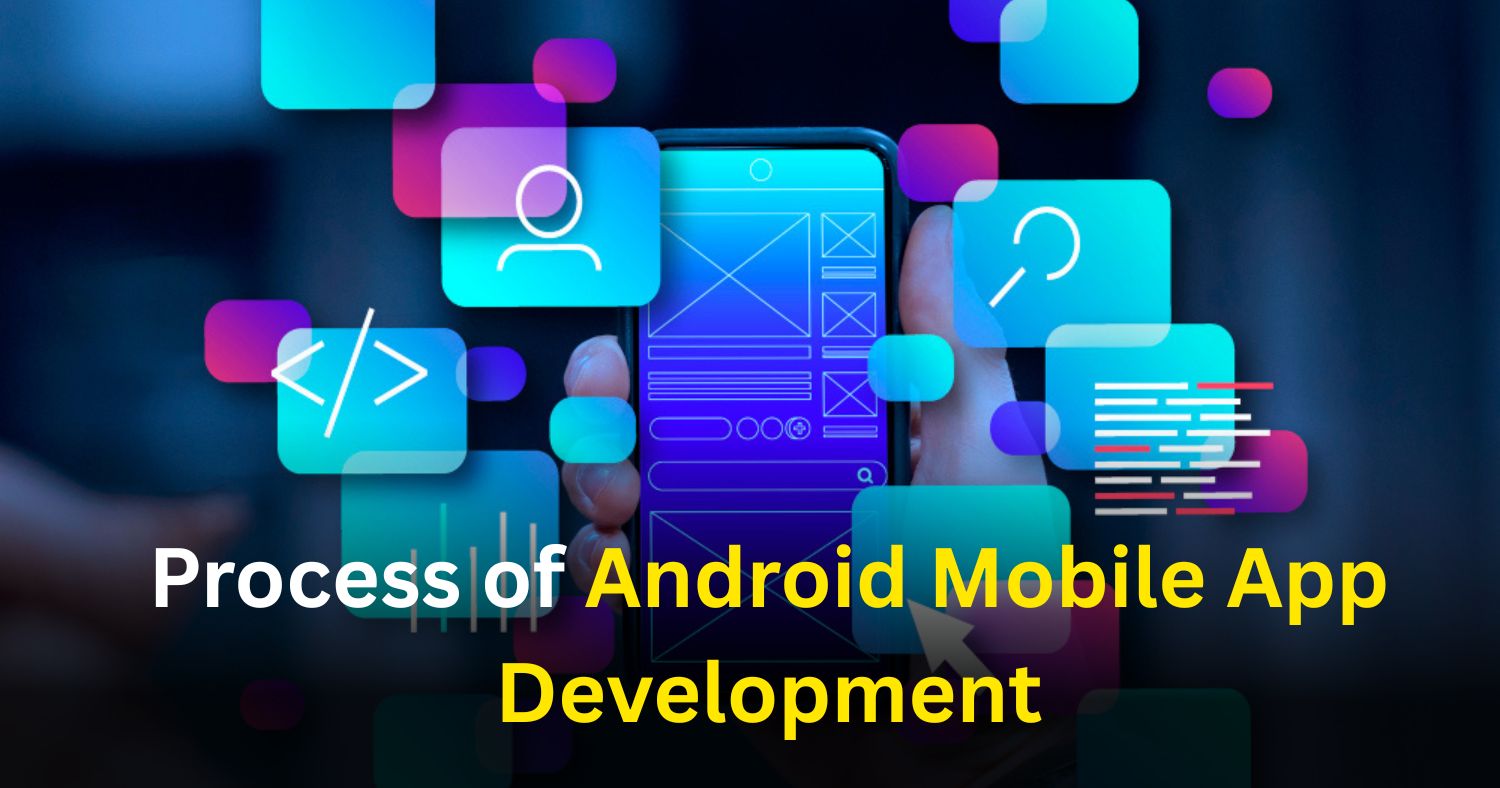
Android mobile apps are everywhere. From shopping and banking to fitness and entertainment, Android apps help businesses reach millions of users worldwide. If you are planning to build an Android app, understanding the full development process is very important.
The Android mobile app development process is not just about coding. It includes planning, design, development, testing, launch, and ongoing support. Each step plays a key role in building a successful app that works smoothly and meets user needs.
What Is Android Mobile App Development?
Android mobile app development is the process of creating applications that run on Android devices such as smartphones, tablets, smart TVs, and wearables. These apps are built using programming languages like Kotlin or Java and follow Google’s Android guidelines.
Android apps can be created for:
- Businesses
- Customers
- Employees
- Internal operations
- Large-scale enterprises
To build a reliable app, companies follow a structured development process.
Why Understanding the Development Process Is Important
Knowing the development process helps you:
- Plan your app better
- Estimate time and cost
- Communicate clearly with developers
- Avoid delays and mistakes
- Get better results after launch
When you work with an experienced team like Whitehall Technologies, every step is handled in a professional and organized way.
Process of Android Mobile App Development
- Idea and Requirement Planning: Every Android app starts with an idea. This step focuses on understanding what the app will do and who will use it. It helps define goals, features, and the target audience clearly.
- Market Research and Feasibility Analysis: This stage checks whether the app idea is practical and profitable in the real market. It studies user demand, competition, technical limits, and cost factors. This step reduces risks before development starts.
- Wireframing and App Flow Design: Wireframes are simple layouts that show how the app will look and function. This step plans screen structure, navigation flow, and feature placement. It helps visualize the app before design and development begin.
- UI and UX Design: This stage focuses on how the app looks and how users interact with it. It includes layout design, colors, fonts, and navigation flow. Good UI and UX improve user satisfaction and engagement.
- Selecting the Right Technology Stack: This step involves choosing the right tools and technologies for development. It includes programming languages, databases, APIs, and cloud services. The right stack ensures performance, security, and scalability.
- Front-End App Development: This stage turns designs into functional app screens. It focuses on user interactions, responsiveness, and Android compatibility. The goal is to create a smooth and interactive user experience.
- Back-End Development: The backend handles logic, data, and security of the app. It involves server management, databases, APIs, and user authentication. A strong backend ensures smooth and reliable app performance.
- Integration of Features and Third-Party Services: This step adds advanced features to improve app functionality. It includes payments, maps, notifications, analytics, and social logins. These integrations enhance usability and user engagement.
- Quality Testing and Bug Fixing: Testing ensures the app works correctly before launch. It covers performance, security, compatibility, and usability checks. This step helps remove bugs and improve app stability.
- App Performance Optimization: This final stage improves the speed and efficiency of the app. It focuses on reducing crashes, optimizing memory, and saving battery life. A well-optimized app runs smoothly and keeps users satisfied.
Benefits of Following a Structured Android App Development Process
Following a proper process offers many advantages:
- Better app quality
- Faster development
- Lower risk of errors
- Clear communication
- Improved user satisfaction
- Long-term success
It also ensures the app can scale as your business grows.
Who Should Build an Android App?
Android app development is suitable for:
- Startups
- Small businesses
- Large enterprises
- E-commerce companies
- Healthcare providers
- Education platforms
- Service-based businesses
An experienced Android app development company in United States can customize solutions based on business needs.
Why Choose Professional Android App Developers?
Professional developers offer:
- Industry experience
- Technical expertise
- Secure coding practices
- On-time delivery
- Post-launch support
Working with a trusted company ensures your Android app is built using best practices and modern technologies.
How Long Does Android App Development Take?
Development time depends on app complexity:
- Simple apps: 2–4 months
- Medium apps: 4–6 months
- Complex apps: 6–9 months
Proper planning and communication help avoid delays.
Conclusion
Understanding the Android mobile app development process helps businesses make informed decisions. From idea planning to post-launch support, each step plays an important role in building a successful app.
Choosing the right Android app development company in the United States ensures smooth execution, high quality, and long-term success. Companies like Whitehall Technologies bring experience, innovation, and reliability to every stage of development. With the right strategy and development team, your Android app can deliver real value to users and help grow your business.
Frequently Asked Questions
Related Posts

23 Sep 2025
How To Build Social Media App with Next Gen AI Power
The social media space is a crowded attention marketplace, with many platforms targeting user engagement. Building a new social app in this ecosystem ..
Matthew Connor
4 Mar 2025
Ultimate Guide to Building an AI App Step-by-Step
Artificial Intelligence (AI) is revolutionizing the world by making technology more efficient and companies more productive. From robotics that can pe..
Matthew Connor
Join the newsletter and get all the updates.
Subscribe
 +1 (443) 454-3676
 sales@whitehalltechnologies.com
 501 East Las Olas Blvd., Suite 200 and 300, Fort
Lauderdale, Florida, FL 33301
501 East Las Olas Blvd., Suite 200 and 300, Fort
Lauderdale, Florida, FL 33301


